Guides
How to Choose a Smart Door Lock for Your Home or Hotel
Start with the door, choose how it opens, and check the system before you order.
A smart door lock is not one product. Homes, hotels and offices need different things, and the right choice starts with the door, not the lock.
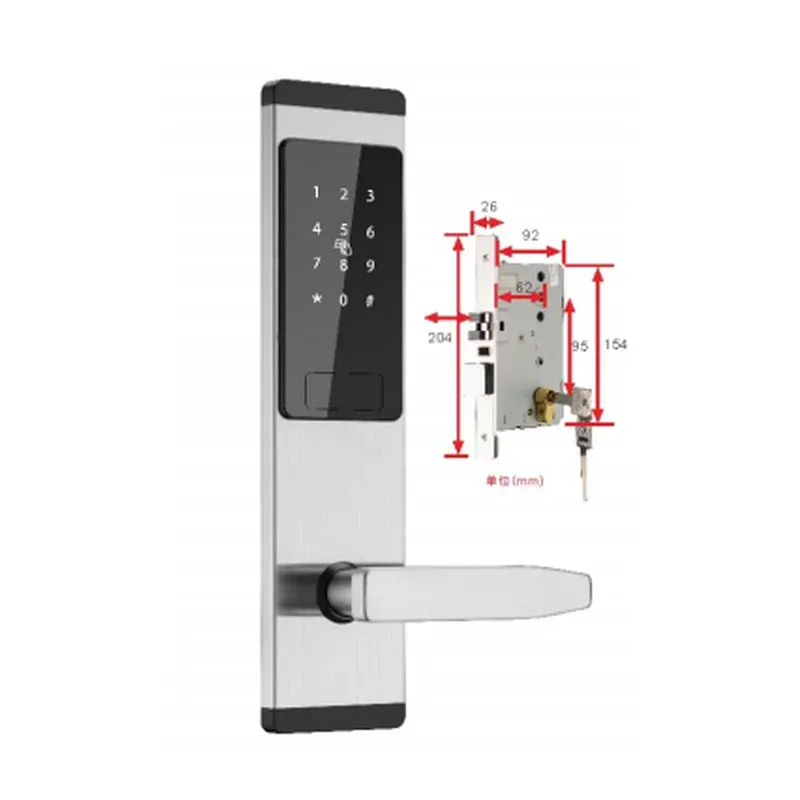
- Start with the door. Check the door material and thickness, and the lock body your door uses. Our face recognition models, for example, are supplied with the 6068 lock body as standard, and the 85 lock body is also available. Tell us your door thickness and lock body and we will confirm the fit before you order.
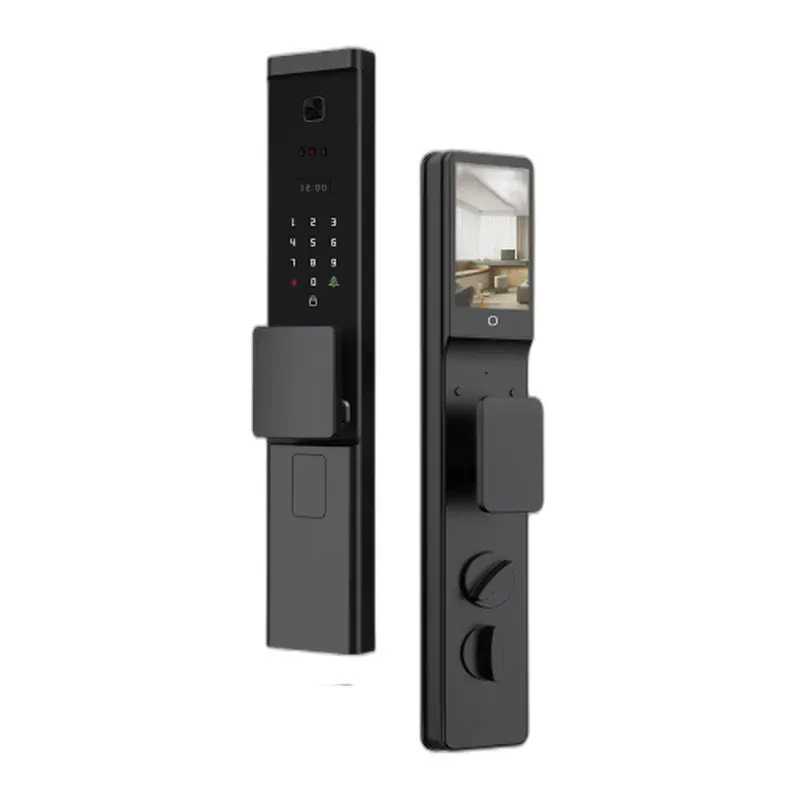
- Choose how it opens. Most of our locks open by fingerprint, password, card and mechanical key. Face recognition models add 3D face unlock and a video doorbell with infrared night vision. Hotel locks open by card and key and are managed by computer software, with temporary password, Bluetooth and App as options.
- Think about who uses it. A family home needs a few fingerprints and passwords. A hotel or apartment building needs cards that can be issued and cancelled in batches, and a power switch that only supplies power when a card is inserted. A rental or office needs temporary passwords that expire.
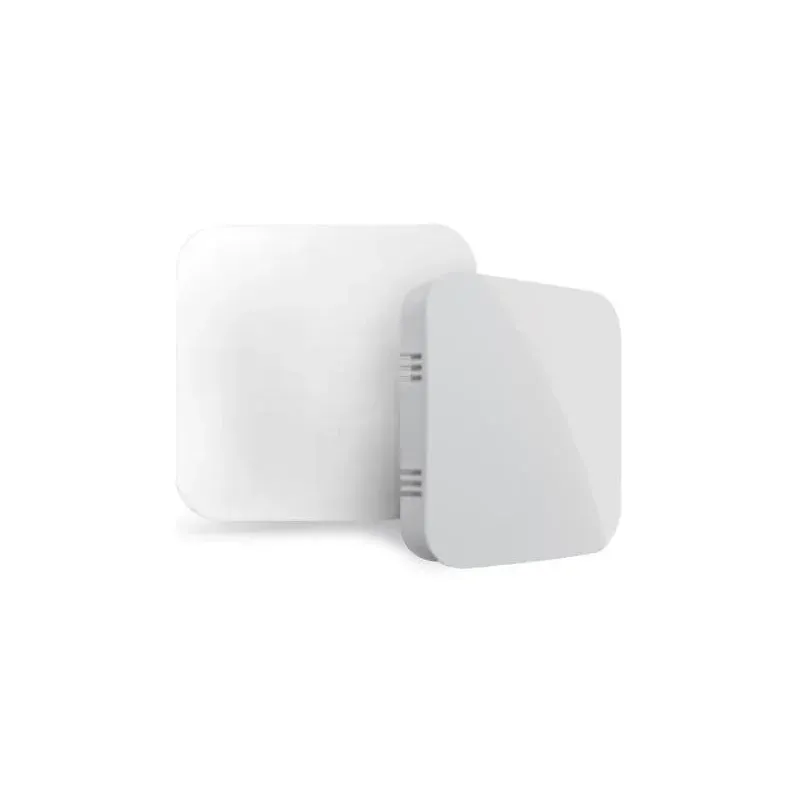
- Decide how it connects. Bluetooth models work with the TTLock App. WiFi models work with Tuya. Gateways (G2, G3, G3P, G4) connect Bluetooth locks to the network for remote management. If you are not sure which system fits your project, send us your door details and we will recommend a model.
- Ask for a sample first. A sample lets you check the fit, the finish and the App before a bulk order. Contact us for the product catalog, a quotation and sample testing: WhatsApp +86-13537408105, Email luisahy666@gmail.com.